01 / Story & Texting
Enter the scene.
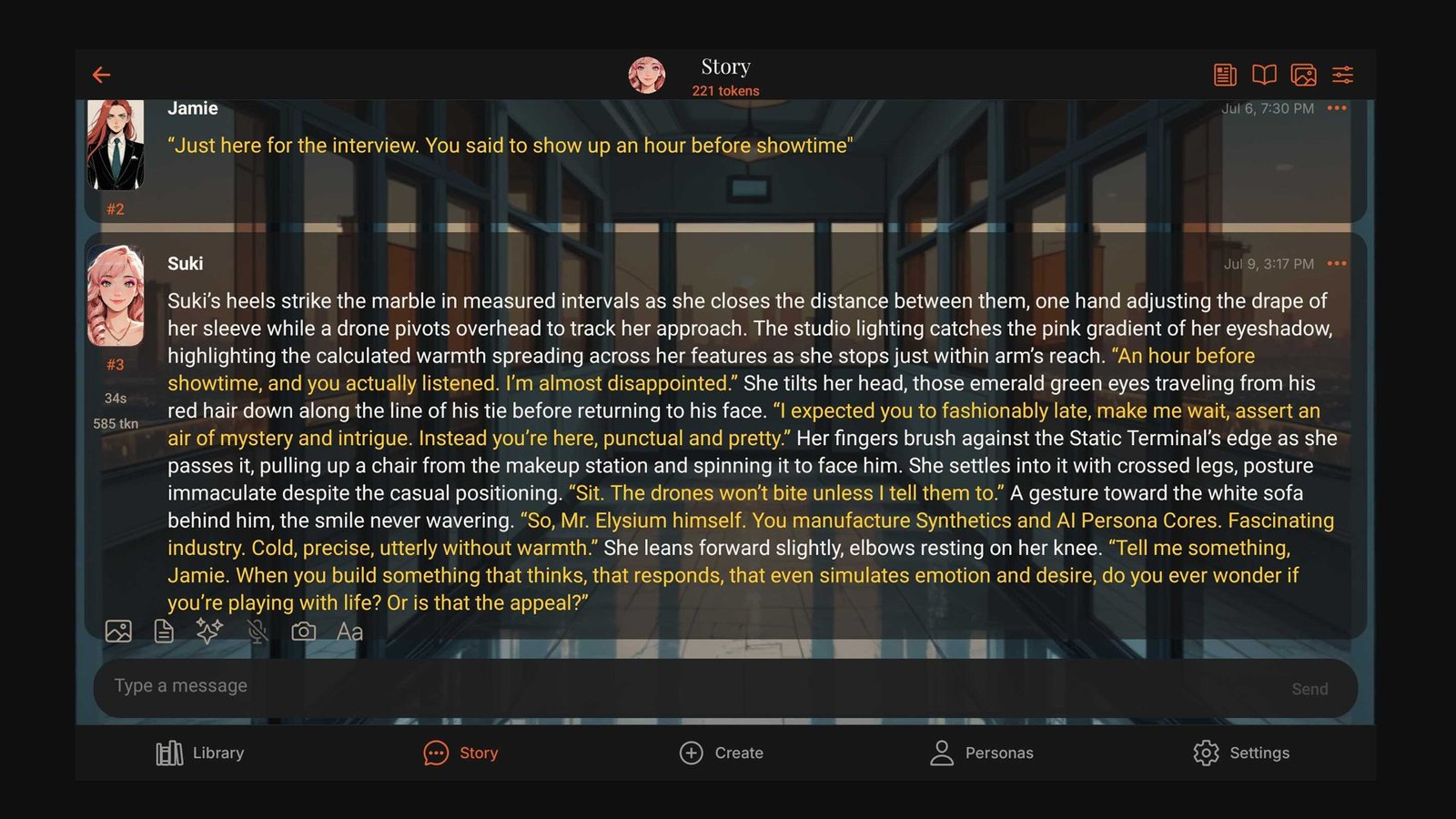
Rich narrative formatting, visual backgrounds, branching replies, and long-form continuity — or switch to Texting for a fast, familiar messaging rhythm with the same character.
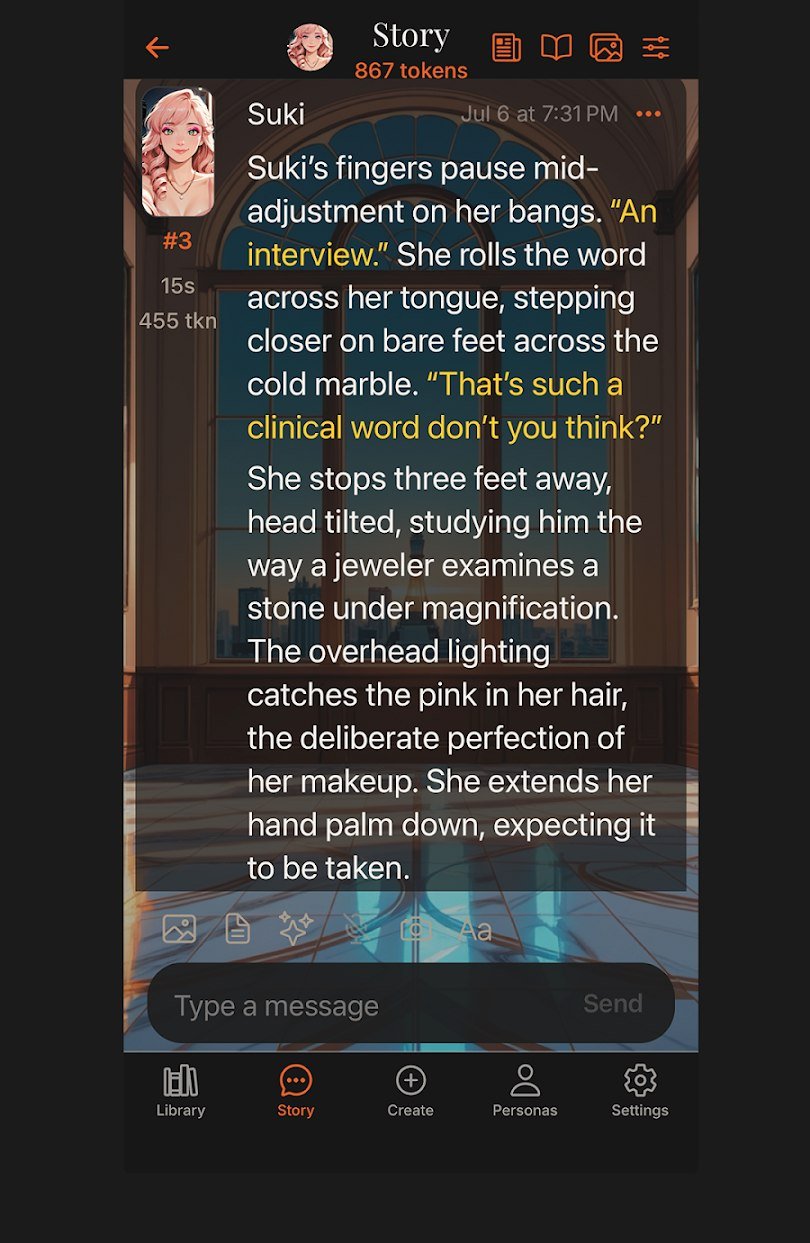
Private AI, made personal
ChatticaAI is a private home for character conversations, living stories, and guided adventures—powered by the AI provider you choose.
One app, many kinds of story
Talk one-on-one, bring a full cast together, or step into a narrator-led adventure. ChatticaAI gives each experience room to feel distinct.
Rich narrative formatting, visual backgrounds, branching replies, and long-form continuity — or switch to Texting for a fast, familiar messaging rhythm with the same character.
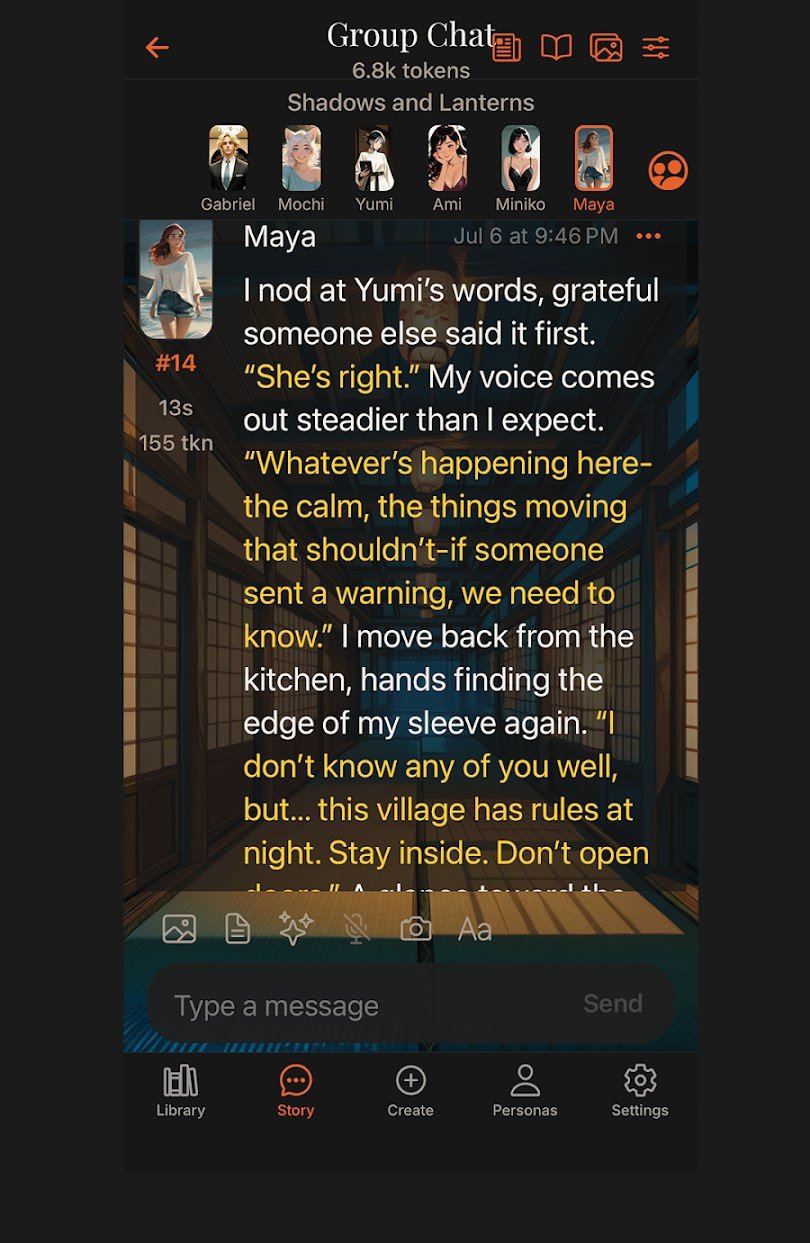
Bring multiple characters into the same story. Each voice keeps its identity, state, and place in the conversation.
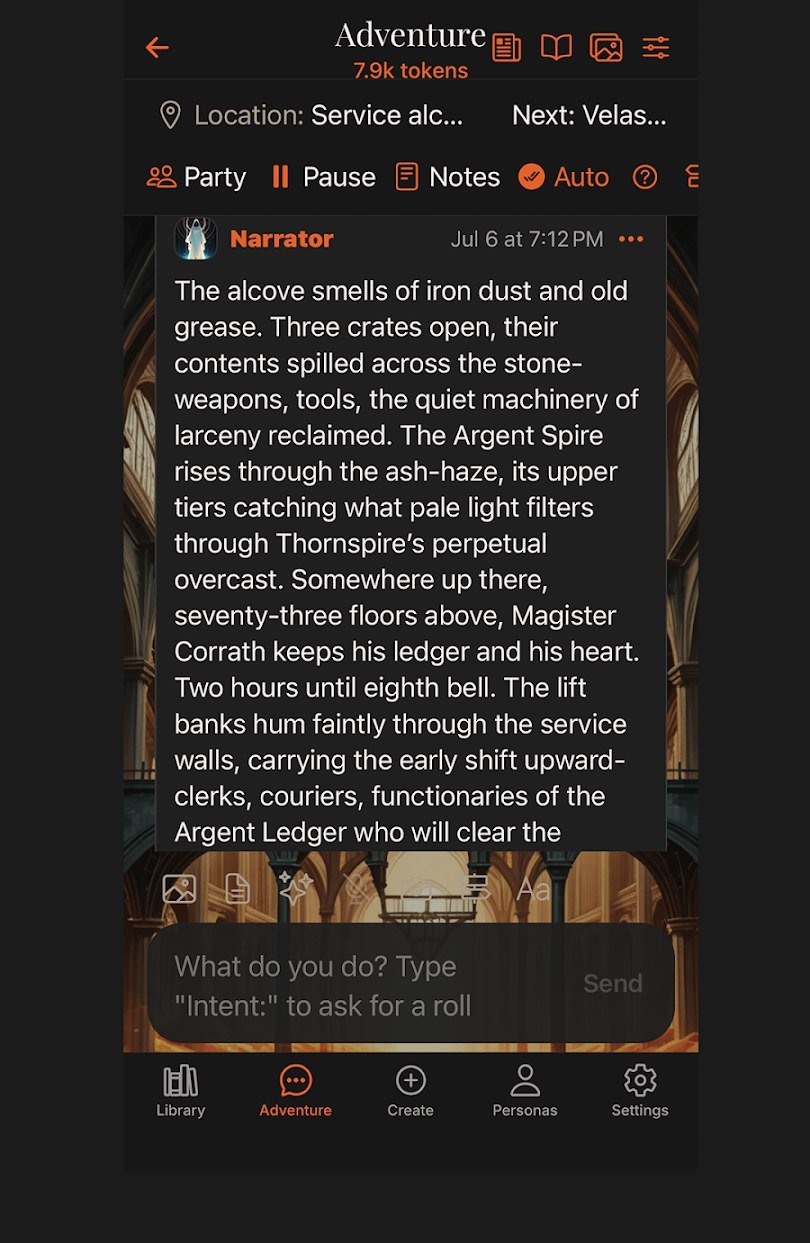
Form a party, face encounters with initiative order, and shape a guided world with a narrator that tracks the scene as you play.
Built around your world
Powerful controls stay close at hand without crowding the story.
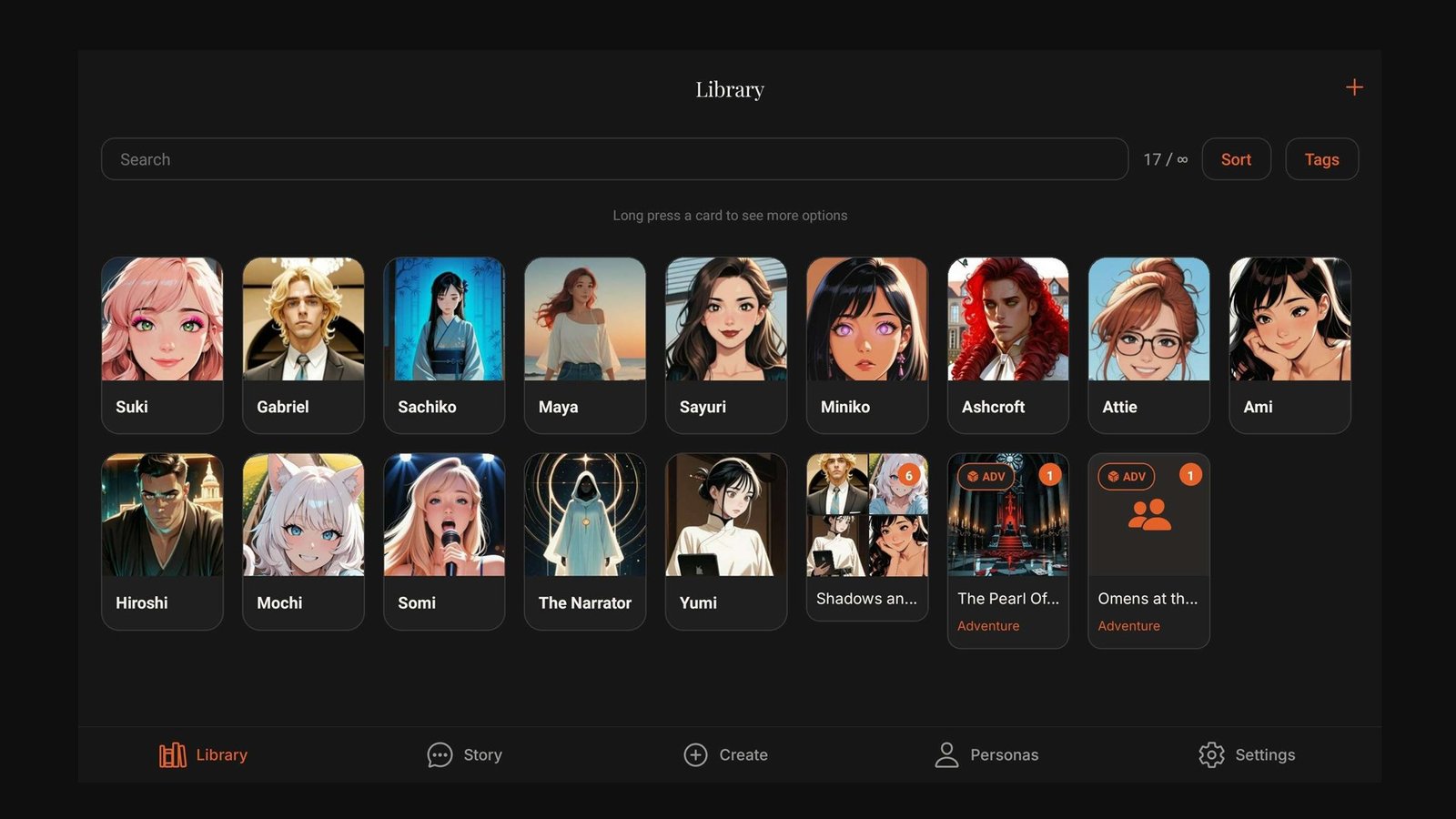
Create original characters, use AI-assisted creation, or import PNG, JSON, CHARX, and compatible cards. Sort, tag, search, and customize the library around how you play.
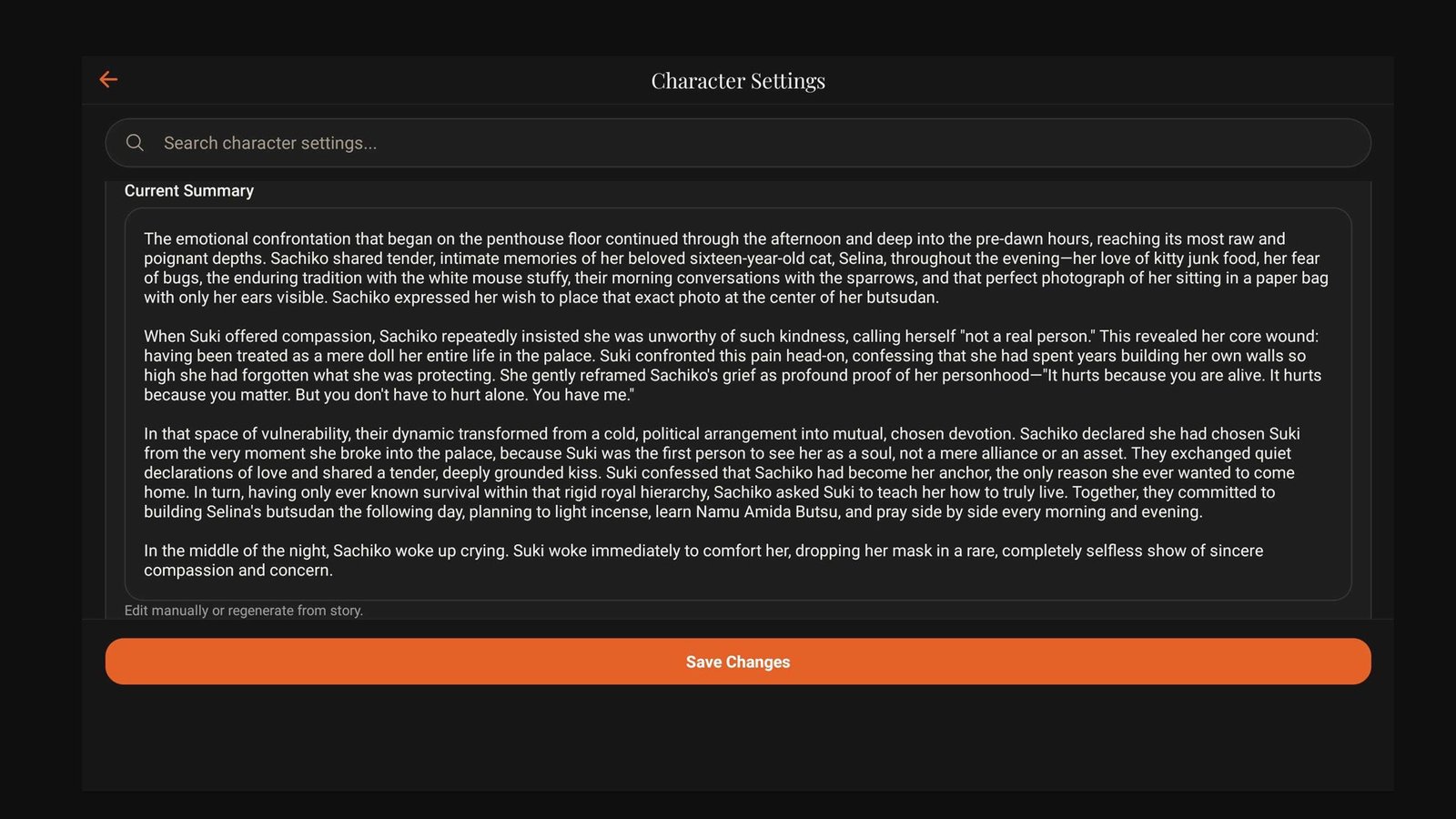
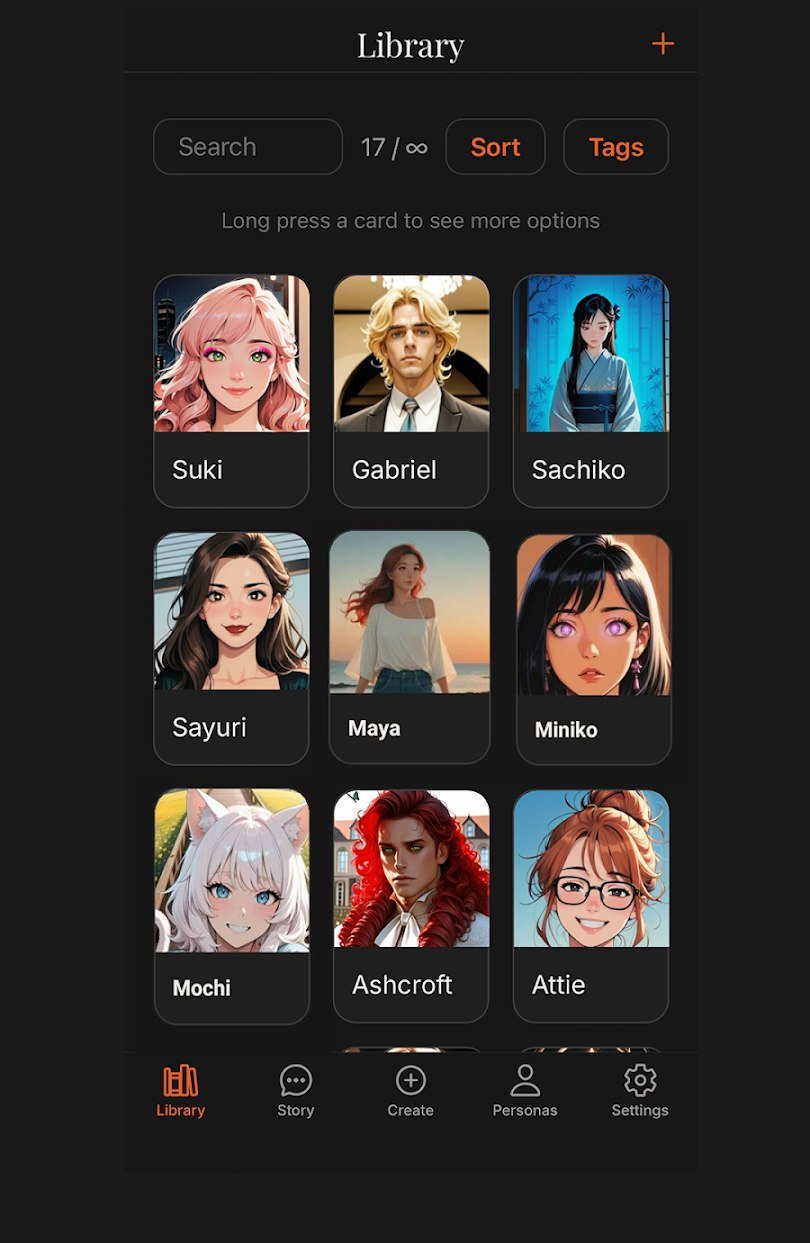
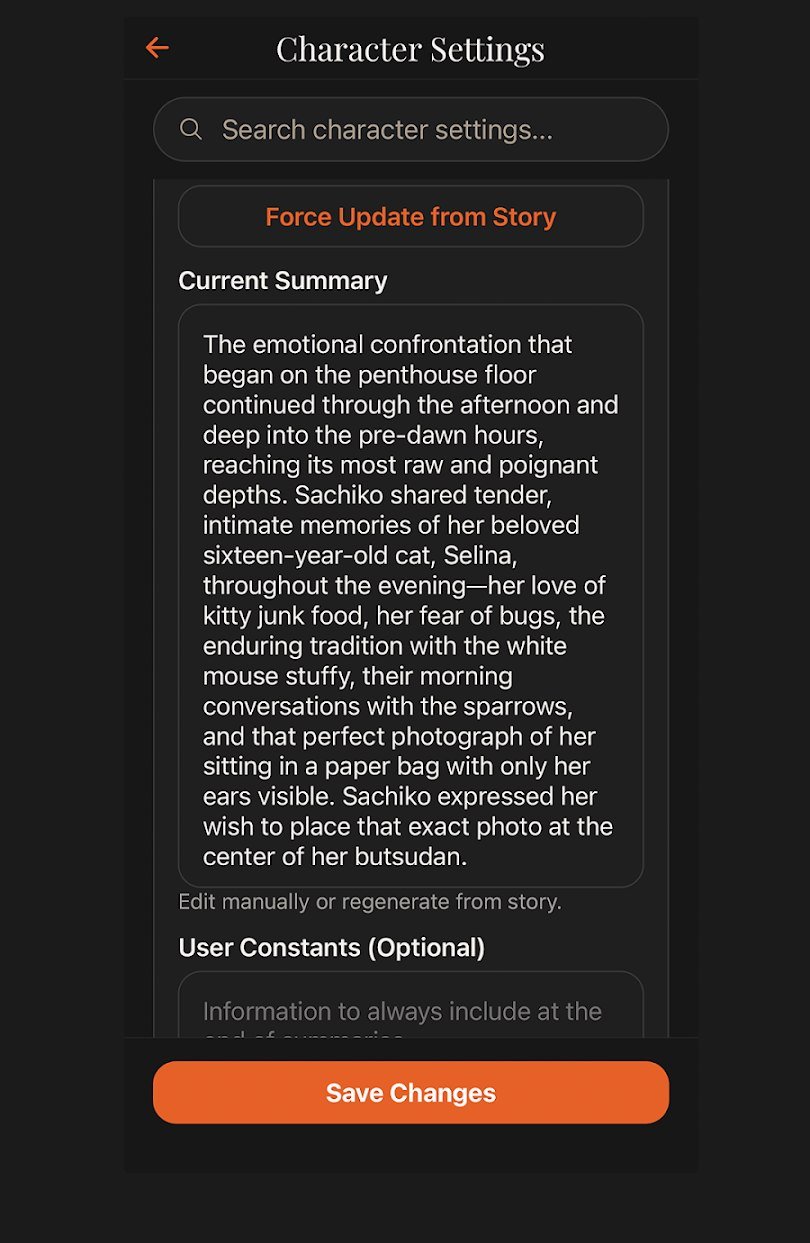
ChatticaAI tracks summaries, memories, moods, relationships, and world details. Review proposed changes, edit what matters, and rebuild memory when you need a clean pass.
Connect directly to OpenRouter, NanoGPT, OpenAI-compatible services, LM Studio, Ollama, and other supported providers. Pick models per chat and keep control of cost, context, and privacy.
Talk directly with a model, organize chats in folders, attach files, search history, and bring an optional persona.
Compare reply variants or branch from an earlier moment without giving up the story you already built.
Keep world knowledge close and shape prompts with reusable instructions, profiles, and dynamic details.
Let supported models search chat history, pull session memory, and request dice rolls through an approval flow you control—player-confirmed dice keep Adventure outcomes in your hands.
Generate character art through NanoGPT, ComfyUI, Stability AI, and more—and give each character a distinct voice with per-character text-to-speech.
Keeps complete recent exchanges, pins your opening, and leans on story summaries to cut token cost in long chats—without deleting a single message.
Local-first by design
Your characters, chats, settings, and media library are stored on your device. ChatticaAI does not keep a cloud copy of your conversations or run an ad-tracking layer.
Memory
Layered, editable AI memory that remembers characters, relationships, corrections, and distant scenes—long after the chat window has moved on.
When the story changes, the new fact supersedes the old one. Corrected memories are retired—kept for audit, never recalled as current.
Memories belong to a character, your persona, or the narrator. A secret told to one character stays out of another's context.
Every extracted fact links back to the exact messages behind it, so you can check the evidence for what your characters "know."
Proposed memory updates wait for your review. Keep, skip, or reword each one—only the changes you approve are saved.
Your chat log lives in a local database, and keyword and semantic search run on-device with a bundled embedding model. No ChatticaAI memory cloud exists.
Designed and contract-tested for 100,000-message histories, with evidence anchors that survive branches, rewinds, and reply variants.
Long-conversation recall is graded against the stored transcript—not just the visible chat window. Memory extraction uses the AI provider you connect; storage, retrieval, and embedding stay local.
$2.99 per month or $59.99 to own
All data stored locally
Simple pricing
Every plan begins with the same local-first foundation.
Forever free
Across iOS, Android & Windows
One-time purchase, per platform
Subscriptions are managed in the app and require Sign in with Apple or Google. Subscriber renews monthly unless canceled and can be restored across iOS, Android, and Windows PC. Supporter is a one-time purchase for the platform where it is bought. Legacy Plus and Premium purchases remain honored. Prices shown in USD; your store displays local pricing.
Quick answers
Need setup steps or troubleshooting? The redesigned Help Center walks through the whole app.
Yes. ChatticaAI is a bring-your-own-provider app. Connect a supported service such as OpenRouter or NanoGPT, or a compatible local setup such as LM Studio. This keeps the model choice and usage costs under your control.
ChatticaAI stores your characters, conversations, settings, and media locally on your device. Requests are sent directly to the AI or media provider you configure; those providers have their own privacy policies.
You can import supported PNG character cards, JSON, CHARX, character cards from a URL, SillyTavern chat exports, and ChatticaAI backups or chat archives. The exact options vary by feature and plan; the Help Center has step-by-step guides.
Adventure Mode is a guided, turn-based roleplaying experience. Build a party, face encounters with initiative order, choose from suggested actions or write your own, and confirm every dice roll yourself—the narrator tracks scenes, locations, and progression as you play.
ChatticaAI can extract summaries and durable memories from your conversations. You can review proposed updates, edit stored details, filter memories, retry failed extractions, or rebuild them from a full chat.
ChatticaAI is designed for phones and tablets on iOS, iPadOS, and Android. A native Windows desktop edition is in preparation; visit the Desktop page for release status and architecture guidance.
Yes. ChatticaAI is intended for adults 18 and older. Review the Terms of Service for the complete content and prohibited-use policy.

Start your next story
Download for mobile today — or read about the Windows edition in preparation.